
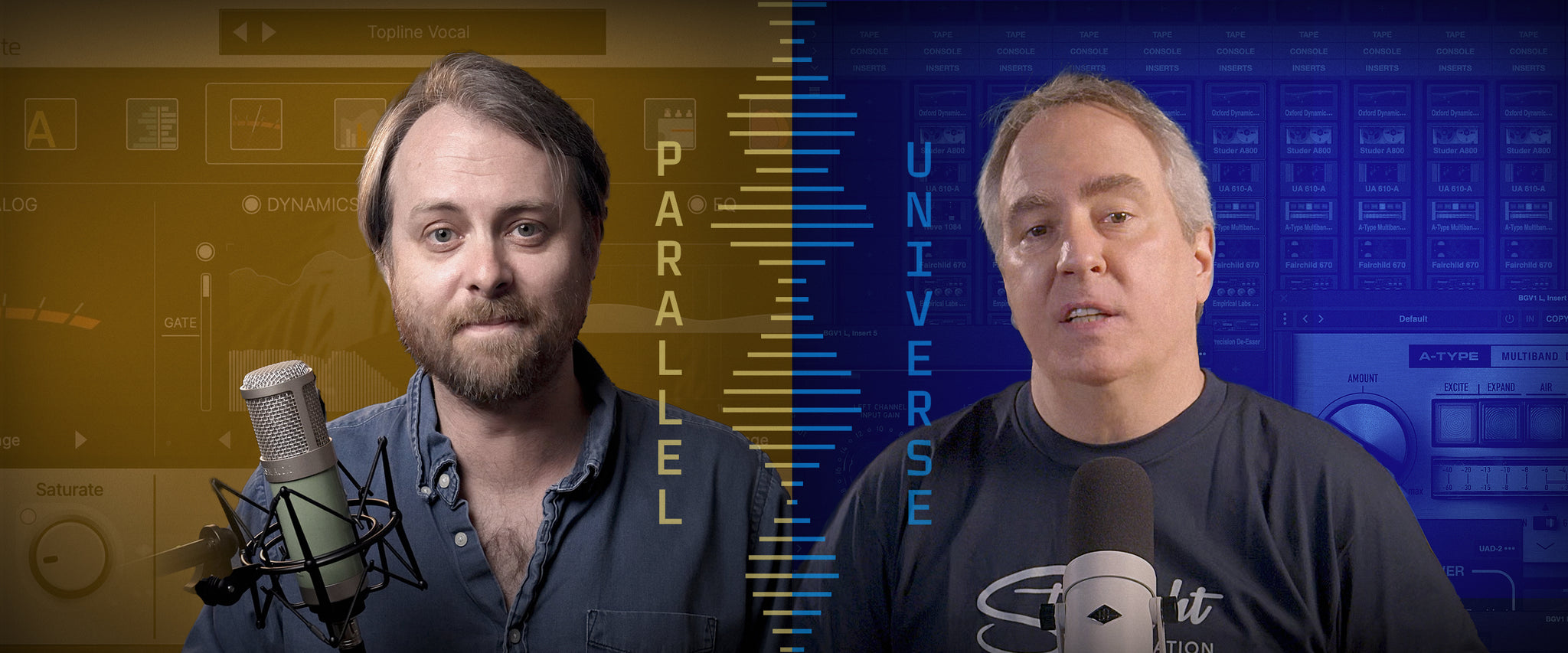
UAD Parallel Universe: Two Ways to Mix Modern Vocals
How many plug-ins does it take to get a great vocal mix? Watch two producers showcase different approaches.
In this episode of UAD Parallel Universe, you'll see how different plug-in chains can bring the same lead vocal to life, with an A/B comparison of the end results.
Learn the benefits of UAD Native versus DSP plug-ins and how to build a complete vocal chain from pitch correction to final effects. Plus, you'll get pro tips for vocal layering, adding send/return effects, and more.
UAD Native Workflow: Fast and Modern
Powered by Topline Vocal Suite, our all-in-one native UAD plug-in for modern vocal production, Geoff's vocal mixing approach is all about speed and control. With all of his processing in a single plug-in, he can quickly dial in an expressive vocal mix without a large plug-in chain and complex gain staging.
How Geoff builds his vocal chain:
- Subtle pitch correction using built-in tuning tools
- Vintage tube preamp for warmth and character
- Onboard de-esser and gate for clean compression
- Flexible EQ and Air control for top-end sheen
- Reverb, delay, and FX ducking for modern movement
“With Topline Vocal Suite, everything I need lives inside one plug-in: tuning, saturation, compression, EQ, and effects.”
Geoff Manchester
Apollo DSP Workflow: Classic Analog Sound
Drew takes a more traditional approach to mixing his vocals. Using his Apollo interfaces and DSP-powered UAD plug-ins to build a rich, analog-style vocal chain – his setup blends classic emulations from Neve and Studer with modern dynamics tools and ambient effects.
How Drew builds his vocal chain:
- Sonnox Oxford Dynamic EQ for precise tone shaping
- Studer A800 for analog tape saturation
- UA 610 Preamp for tube warmth and color
- Neve 1084 for classic tone sculpting
- Fairchild 670 and EL8 Distressor for dynamic control
- Precision De-Esser to smooth sibilance
Send FX Chain:
- Capitol Chambers and API 2500 for ducked reverb
- AMS DMX and UAD A-Type for width and depth
- AKG BX20 and UAD A-Type and UA 176 for shimmer, air, and control
“This plug-in chain gives me total control and lots of sonic character. It’s my modern take on classic tracking room techniques.”
Drew Mazurek
Compare and Choose Your Tools
Whether you're aiming for a fast native workflow or the added control of a traditional plug-in chain, our pro mixing breakdown gives you insights into building your own mix from the ground up.
Since there's no "right way" to mix vocals, the key is finding the sounds and workflows that inspire you the most.
Curious if these approaches can work for you? Trial any of the plug-ins mentioned in this article for free today!
Explore UAD plug-ins to find your own vocal chain ›
— UA Staff
Related Articles
- How to Record Vocals
- How to use Plug-Ins on Vocals
- Best Vocal Plug-In Chains
- Vocal Recording Basics
- How to Build a Vocal Chain
- How to Use Time-Based Effects on Vocals
- Recreating Iconic Vocal Chains
- The Inner Game of Vocal Production
- How to Use Auto-Tune
- Using Auto-Tune with Apollo
- How to Set up Your Apollo
*All trademarks property of their respective owners. Use of artist names does not constitute endorsement of Universal Audio products.
Get more articles delivered to your inbox
Read More
See All ArticlesThe Ultimate Guide to Empirical Lab’s FATSO Tape Simulator
Exploring Volt's Tone Shaping Preamps
There are a lot of reasons a recording can fail the vibe check. But one of the most overlooked is what's happening before your signal ever reaches your DAW.
Bill Putnam Jr. and Richard Hoover on Building Things That Last
UA CEO Bill Putnam Jr. and Santa Cruz Guitar Company founder Richard Hoover on craftsmanship, legacy, and building things that last.